
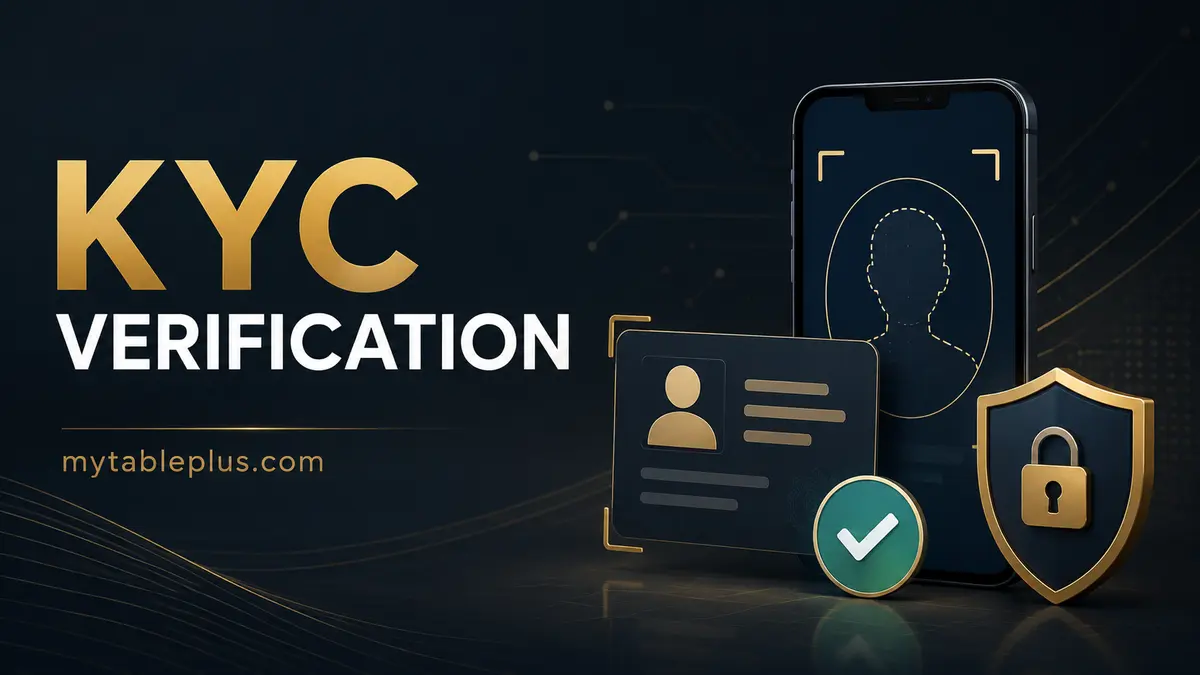
Quick answer
KYC is an identity check that may be required before account use or withdrawal. Verify the operator and upload route first, submit clear current documents that match the account, and never send an ID through an unsolicited social-media message.
Key takeaways
- Verify the operator before sharing identity documents.
- Names, birth date and address should match the registered account.
- Use clear, unedited images through the official secure portal.
- Ask why a document is needed and how it is protected.
What KYC normally checks
Know Your Customer checks connect an account to a real person and can support age, identity, payment-ownership and anti-fraud controls. A typical check may request a government-issued photo ID, a selfie or liveness check, address evidence and proof that a payment method belongs to the same person.
The exact requirement should come from the operator’s published terms or secure account portal. MyTablePlus cannot verify an account and should never receive your documents.
Verify before you upload
Identity files are valuable to criminals. Before uploading, confirm the brand, legal operator, registered domain and privacy policy. Do not trust a support account merely because it uses the right logo. Navigate from the domain you independently verified and open the upload center from inside your account.
If the platform’s regulatory status is unclear, use our PAGCOR verification process before providing more information.
Prepare documents correctly
Use a supported, unexpired ID. Photograph it in good light with all required edges visible and no glare. The account name and date of birth should match. Proof of address usually needs the same name and a recent date, but requirements vary.
Do not digitally alter a required field. If you want to watermark a copy for safety, ask first whether the operator permits a small purpose-specific watermark. Never include a password, OTP, PIN or recovery phrase with the upload.
Why verification is rejected
Common causes include an expired ID, blur, cropped edges, mismatched names, unsupported file type, outdated address evidence or a selfie that cannot be compared to the ID. Duplicate accounts and third-party payment methods can also trigger additional review.
Ask support to name the rejected document and reason rather than repeatedly uploading different files. Keep the case number and a list of what was submitted; do not email full documents unless the verified privacy instructions explicitly require it.
Protect your privacy after submission
Read the privacy notice for the data controller, purpose, retention period, sharing and deletion rights. Use a unique account password and enable any available security controls. Monitor email and e-wallet activity after submitting high-value identity information.
If an unexpected contact later quotes your data and asks for an OTP or payment, do not assume it is genuine. Return to the verified portal. For login restrictions during review, follow the login troubleshooting checklist.
Frequently asked questions
What ID does Table Plus accept?
Accepted documents vary by the verified operator. Use the current list inside the secure account portal rather than an old blog or social post.
Is it safe to send ID in Messenger or Telegram?
An unsolicited chat is not a safe default. Use the verified secure upload portal and confirm the privacy purpose.
Why is my name mismatch important?
The account, ID and payment method generally need to identify the same person to reduce fraud and third-party payment risks.