
Quick answer
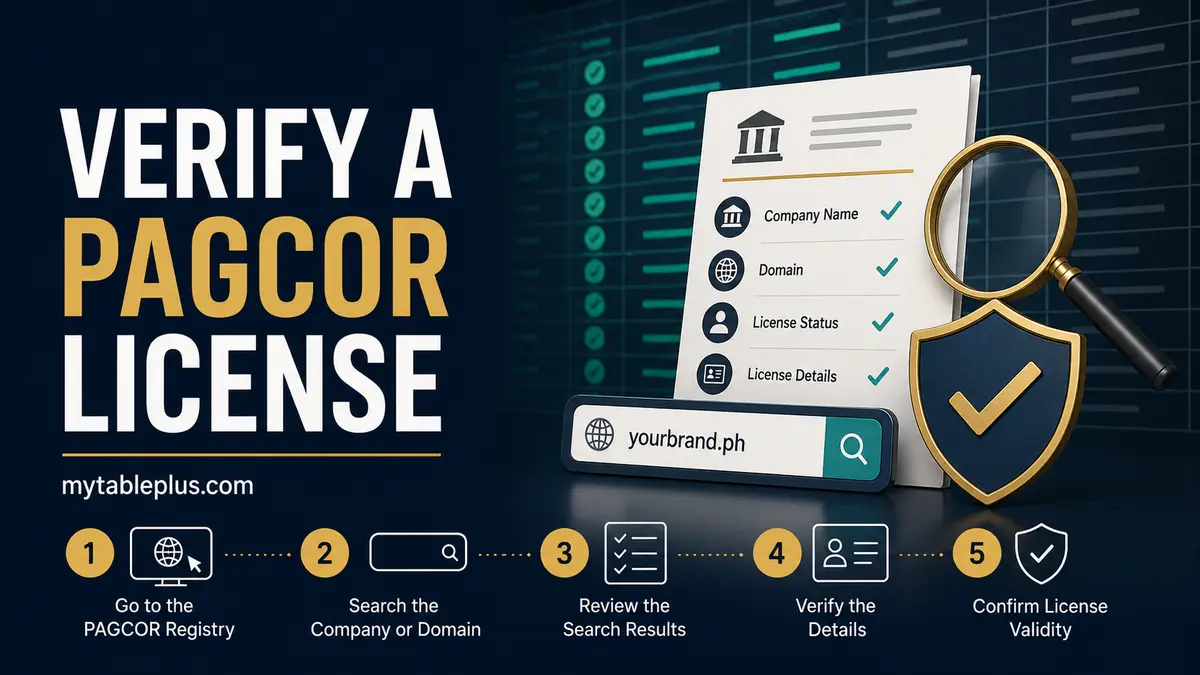
Use PAGCOR’s official website to compare the exact gaming domain and brand with the current registered-brand/domain list. Then match the site’s legal operator, privacy notice, payment recipient and support contacts. A logo or certificate image alone is not proof.
Key takeaways
- Start with the exact hostname in the browser.
- Use current documents from pagcor.ph.
- Match domain, brand and legal entity together.
- Save the list date because regulatory records can change.
Capture the exact domain
Copy the hostname from the address bar, including spelling and top-level domain. Exclude tracking parameters after the domain. Watch for substituted letters, extra hyphens and words placed in a subdomain. If the page redirects, record both the starting and final hostnames.
Do this before creating an account, paying or uploading identification.
Use PAGCOR’s official sources
Navigate directly to pagcor.ph and its regulatory section. Locate the most recent list of accredited gaming system administrators and registered brands/domain names. Check the publication or update date rather than relying on an old copy hosted elsewhere.
Search the PDF for the exact domain, then visually inspect the matching row because text extraction can miss scanned or formatted content.
Match the legal operator
Open the gaming site’s terms, privacy policy and responsible-gaming page. Record the company that says it controls accounts and personal data. That legal entity should be consistent with the official record and payment instructions.
A brand can be registered under a company with a different name, so the task is matching the relationship—not merely finding the marketing name somewhere in a document.
Check operational trust signals
Confirm contact channels, age restriction, privacy purpose, complaint process, self-exclusion and clear transaction terms. Payment requests to private individuals, guaranteed winnings, password/OTP requests and release fees remain red flags even if a copied logo looks official.
Use our fake-domain checklist before opening support links or downloads.
Document and recheck your result
Save the domain, legal entity, official list title and date, row or page, and time checked. If the exact domain is absent or the identity conflicts, pause and ask PAGCOR or the named operator through independently verified contacts.
Regulatory status can change. Recheck before a later deposit rather than treating a 2026 screenshot as permanent proof.
Frequently asked questions
Is a PAGCOR certificate image enough?
No. Verify the exact domain and legal operator in current official PAGCOR records.
What if the brand name appears but the domain does not?
Pause and seek clarification through official channels; a similar brand name does not verify the hostname you visited.
How often should I recheck?
Recheck before registering or making a later payment because domains and regulatory records can change.
Sources and fact-check notes
Sources were checked on August 22, 2026. Product availability, operator records and terms can change; verify the current official version.