
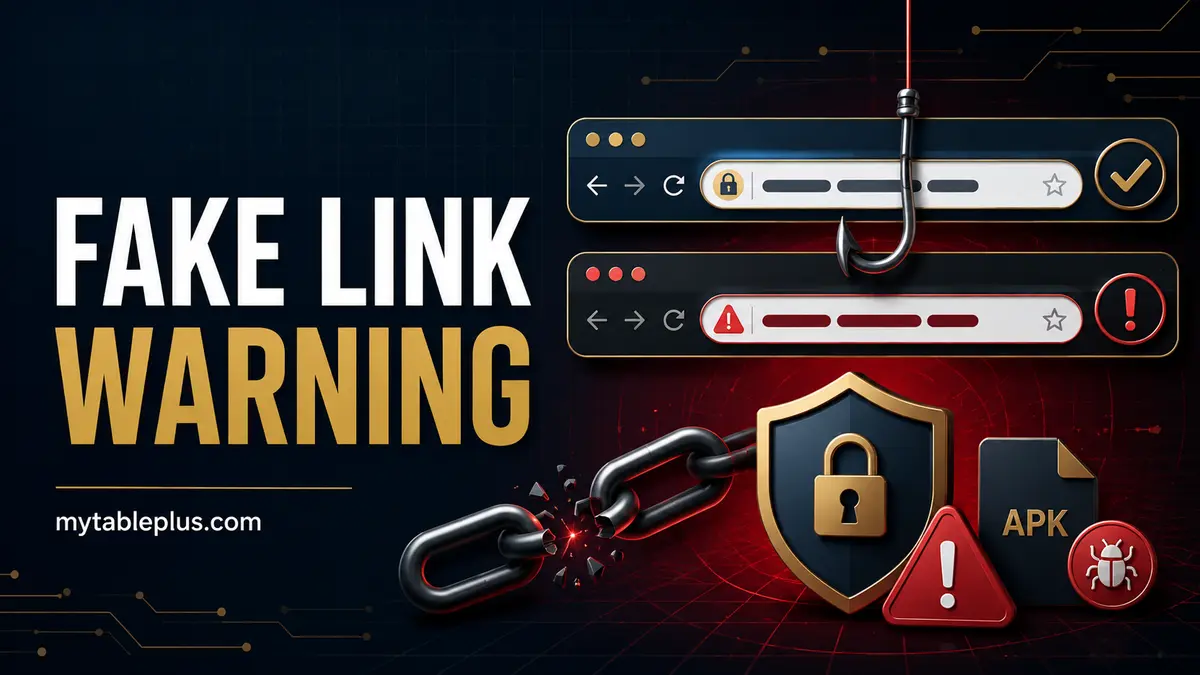
Quick answer
Do not sign in through a link from an unsolicited message, comment or search ad. Verify the exact domain and legal operator, type the address yourself, and stop if a page requests an OTP, remote access, unusual download or payment to a private account.
Key takeaways
- Read the entire hostname, not just the page logo.
- A padlock does not prove the brand is genuine.
- Avoid APK files sent through chat or file-sharing links.
- Change credentials quickly if they were entered on a suspicious page.
How fake links imitate a brand
Phishing pages can copy the logo, colors, login form and promotional text of a real site. Attackers use misspellings, extra words, different top-level domains, subdomains and URL shorteners. On mobile, the important hostname may be hidden until the address bar is expanded.
Read from the first slash backward to identify the registered domain. Words placed before it can be deceptive.
Dangerous downloads and permissions
A legitimate mobile app should have a verifiable publisher and official distribution path. Avoid APKs sent through Messenger, Telegram, text messages or cloud drives. Never disable device security merely to complete an install.
Reject apps that request accessibility control, SMS reading, screen capture or remote administration without a clear necessary purpose. Those permissions can expose OTPs and financial apps.
If you entered information on a fake page
- Close the page and disconnect any remote-access session.
- From a clean device, change the affected password and any reused password.
- Secure the associated email and e-wallet.
- Contact the verified provider and report possible account compromise.
- Preserve the URL, screenshots and transaction evidence.
Do not confront the scammer or pay a recovery agent.
Create a safe bookmark
After verifying the exact operator/domain against independent records, type it directly, confirm HTTPS and legal pages, then save a bookmark. Use that bookmark for future visits instead of search results. Recheck if the site redirects to a different hostname.
Pair this process with the Table Plus license check and safe support guide.
Frequently asked questions
Does HTTPS mean a Table Plus link is official?
No. HTTPS encrypts the connection but a scammer can also obtain a certificate. Verify the exact domain and operator.
Is a Google ad guaranteed to be the official site?
No. Paid placement is not regulatory or identity verification.
What should I do after entering a password on a fake page?
Change it immediately from a clean device, secure any account where it was reused, and contact the verified provider.
Use this checklist alongside the main TablePlus Philippines login, games and safety guide.